
How to create a personalised Christmas photo book for a special gift
It’s that time of year again! The holidays are upon us and that means it’s time to start thinking about gifts. If you’re stuck for ideas, why not create a custom Christmas photo book? A Christmas photo book is a wonderful way to celebrate the holidays with your family. This can be a great gift for grandparents or other relatives who may not be able to be there in person. Here are some tips on how to create a beautiful and unique Christmas photo book.
Christmas Photo Book Ideas and Inspiration:
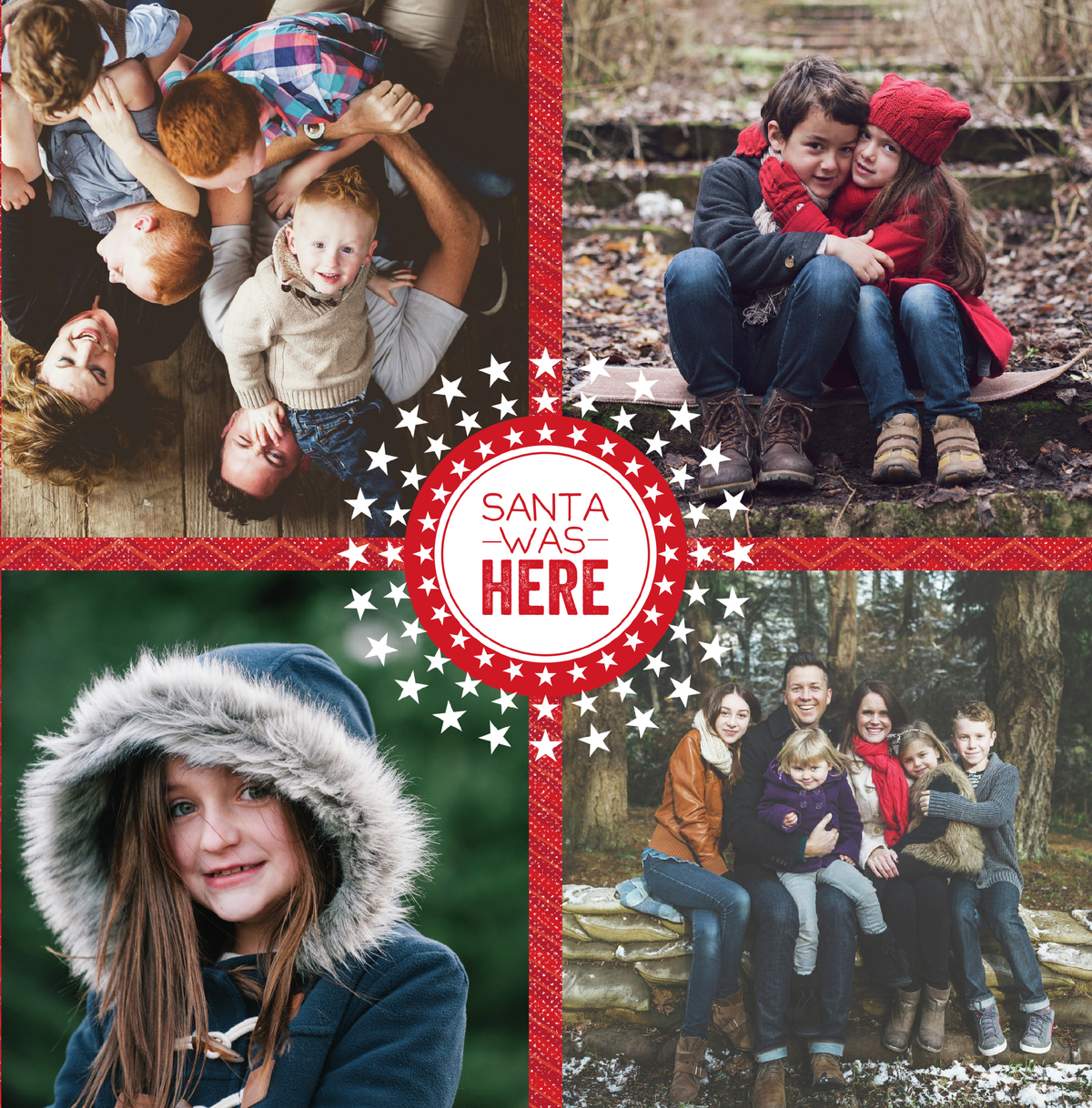

Will your Christmas photo book be traditional or non-traditional?
If you decide to go the traditional route, consider a classic red and green color scheme with festive Christmas photos. For a non-traditional take on the Christmas photo book, try an all-white theme featuring wintery landscapes and snow-filled scenes.
Consider the following Christmas photo book ideas:
–A storybook Christmas: This can be a fun way to recount all of the silly and memorable moments that happened throughout the year. You can even add in some made-up stories for extra laughs.
–A family history Christmas: Use your Christmas photo book as an opportunity to document your family’s history. This can be a special way to connect with relatives who may be far away.
–A holiday scrapbook: This is a great way to showcase all of your favourite holiday memories. You can include photos, ticket stubs, and other mementos.
–A festive how-to guide: This can be a fun and unique way to share your favourite holiday recipes, decorating tips, or even how to make the perfect gingerbread house.
–My first Christmas Photo album: This can be a special way to document your baby’s first Christmas. You can include photos and milestones from throughout the year.
Formatting Your Christmas Photo Book:
Once you’ve decided on a theme, it’s time to start formatting your book. Here are some things to keep in mind:

-Number of pages: A Christmas photo book can be anywhere from 20 to 100 pages. It really depends on how many photos and stories you want to include.
-Page layout: There are a few different options when it comes to page layout. You can choose from a variety of templates or design your own.
-Printing: Once you’ve designed your book, you’ll need to choose a printer. There are a few different options, including online and local printers.
-Binding: There are several different binding options, including spiral, lay flat and hardcover. Choose the option that best suits your needs.
Getting Started on Your Christmas Photo Book:
Now that you have some inspiration, it’s time to start putting your photo book together! Here are some tips to get you started:
Gather your photos:
Sort through your old photos and find ones that fit with your chosen theme. You can also take new photos specifically for the album. Be sure to include family members, friends, and beloved pets in the book. Candid shots are often the best!
Choose a layout:
Decide how you want your photos to be arranged in the album. You can go for a chronological approach, or you can group them by theme. Whichever way you choose, be sure to leave enough white space around the photos so that they don’t appear cramped on the page.
Add embellishments:
To make your album even more special, consider adding embellishments such as stickers, ribbons, and glitter. Just be sure not to go overboard – less is definitely more when it comes to scrapbooking!
Write captions:
Don’t forget to write captions for each photo! This is a great opportunity to add some festive humor to your album and help remember all those cute little things later on.
Printing vs Digital Photo Albums:
While I love printing photo books, there are definitely some benefits to creating a digital album. For one, it’s much cheaper to print a digital album than it is to have a professional prints made. You also have the freedom to make as many copies as you want, so everyone in the family can have their own copy. And lastly, you can easily share your album online with friends and family who live far away.
If you’re looking for a more traditional approach, there are plenty of great photo book printers out there. My personal favorite is Mixbook – they have great quality prints and a wide variety of templates to choose from. For those looking for an online alternative, I recommend either Canva, FlipHTML5 or Myablum. They all have a wide variety of templates and designs, plus you can try them for free.
No matter how you choose to format your Christmas photo book, the most important thing is to have fun with it! Creating a Christmas photo book is a fun way to document holiday memories and traditions. These albums make wonderful gifts for grandparents and other relatives who may not be able to be there in person. Follow these tips to create a beautiful and unique Christmas photo book that will be cherished for years to come.


